What is Snapshot?
Snapshot gives you a month-by-month view of your property’s current performance.
Use it to review:
- On-the-books accommodation revenue
- Occupancy
- ADR
- RevPAR
- Nights
- Budget
- Forecast IQ
- Same Time Last Year
- Last Year End
Snapshot helps you understand how each month is pacing compared with historical and forecasted performance.
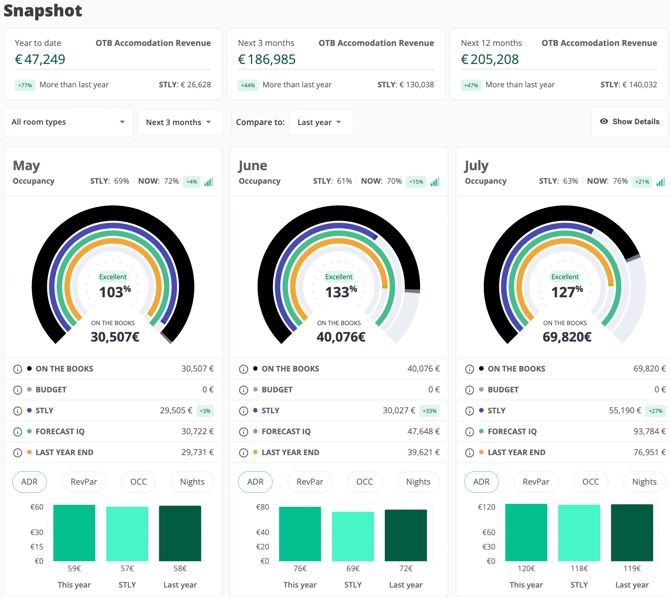
Snapshot gives you a month-by-month view of on-the-books revenue, occupancy, forecast, and historical benchmarks.
Summary cards
At the top of Snapshot, you can see summary cards for key time periods, such as:
- Year to date
- Next 3 months
- Next 12 months
Each card shows the current OTB Accommodation Revenue and compares it with the selected benchmark.
OTB means On the Books. It refers to confirmed accommodation revenue currently booked for the selected period.
STLY means Same Time Last Year. It shows what the property had on the books at the same point in time last year.

Use the summary cards to review OTB Accommodation Revenue for key time periods.
Use the filters
Use the filters below the summary cards to adjust the Snapshot view.
Room types
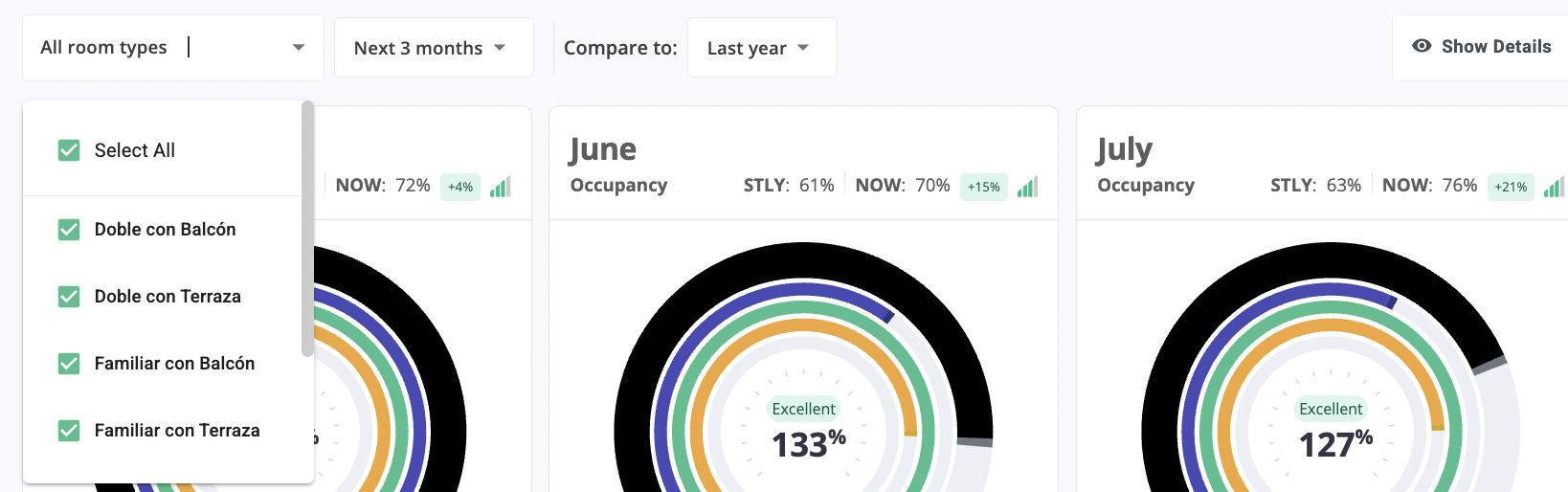
Use the Room types filter to choose which inventory to include.
You can select:
- All room types
- One room type
- Multiple room types
Use multi-select when you want to analyze a specific group of room types together.
Period
Use the period filter to choose the time range you want to review, such as Next 3 months.
The monthly cards will update based on the selected period.
Compare to
Use Compare to to choose the benchmark period.
For example, selecting Last year compares current performance with last year’s performance.
Show Details
Use to show additional details, such as ADR, Revpar, Occupancy and number of nights.