
What is the Monthly Revenue Report?
The Monthly Revenue Report shows your property’s revenue month by month for a selected year.
Use this report to understand how revenue is distributed across the year and compare each month with a previous year
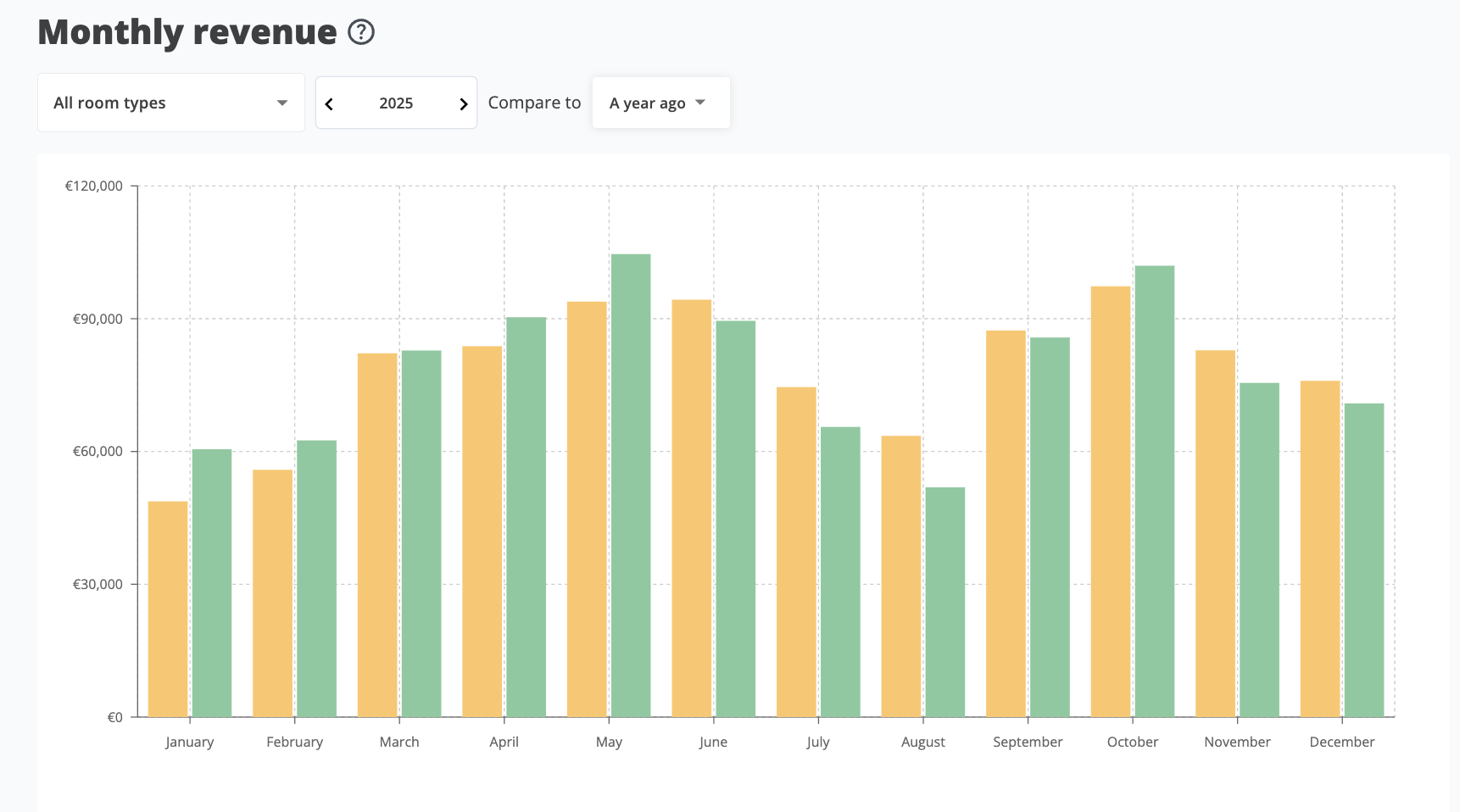
The Monthly Revenue Report shows monthly revenue for the selected year and comparison period.
Use the filters
Use the filters above the chart to customize the report.
Room Type
Use Room Type to choose which inventory you want to review.
You can select:
- All Room Types to review total property revenue.
- A specific room type or room group to focus on part of your inventory.
Year
Use Year to select the year you want to analyze.
The chart will show monthly revenue for the selected year.
Compare to
Use Compare to to choose the historical period you want to compare against.
Depending on your setup, you can compare the selected year with:
- 1 year ago
- 2 years ago
- 3 years ago
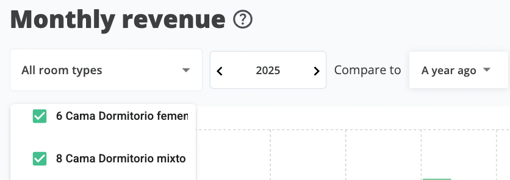
Caption: Use the filters to choose the room type, year, and comparison period.
Read the chart
The chart shows all 12 months of the selected year.
For each month, you can compare:
- Revenue for the selected year
- Revenue for the comparison period
Use the chart to identify months where revenue is ahead, behind, or in line with previous performance.
View exact values
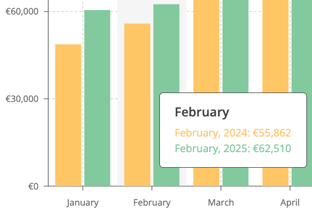
Hover over any month in the chart to view the exact revenue values for that month.
This is useful when you want to check the precise revenue difference between the selected year and the comparison period.
Important: values are based on stay date
The Monthly Revenue Report is based on stay date.
This means revenue is assigned to the month when the guest stays, not the month when the reservation was created.
For example, if a guest books in March for a stay in July, the revenue appears in July.
When should I use this report?
Use the Monthly Revenue Report when you want to:
- Review revenue performance by month.
- Compare one year with previous years.
- Identify seasonal revenue patterns.
- Analyze a specific room type or room group.
- Check which months are ahead or behind historical performance.
- Prepare for a monthly or yearly revenue review.